
Overview:
- Learn to use Stripe in Wiise.
Note: From 1 October 2026, the Reserve Bank of Australia removes the ability to surcharge card payments in Australia, covering eftpos, Visa, Mastercard and American Express. Wiise applies this automatically for Australian environments. Payment links stop adding a surcharge for any card type from that date, regardless of how your Charge Stripe Fee to Customer setting is configured.
There's nothing you need to do. Your existing surcharge setting simply stops being applied in Australia from 1 October 2026. Stripe surcharging ends for Australian Customer from 1 October 2026
New Zealand is unaffected and surcharging continues as normal. See September 2026 – Stripe payments for details.
Why Use Stripe?
Stripe lets your customers pay invoices online by card, without you having to manually process or reconcile each payment. Even without a surcharge, you still benefit from faster payment collection and automatic matching against your invoices in Wiise.
Before you Begin
-
Ensure you've set up Stripe in Wiise.
- Either enable or disable Stripe Payments on Customer Statements.
How to Use Stripe in AU?
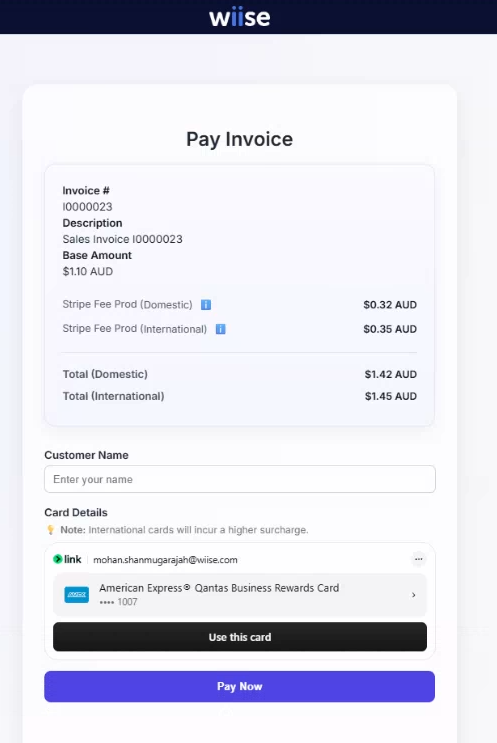
- When your customer receives the sales invoice by email, it includes a secure Stripe payment link. By selecting the link, they are taken to a secure Wiise-hosted payment portal, where they can select their preferred domestic or international payment method.
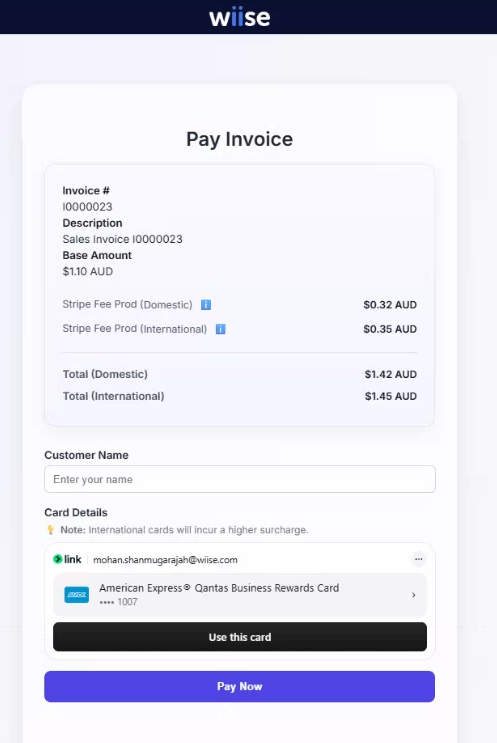
- Your customer keys in the payment details and selects Pay Now.
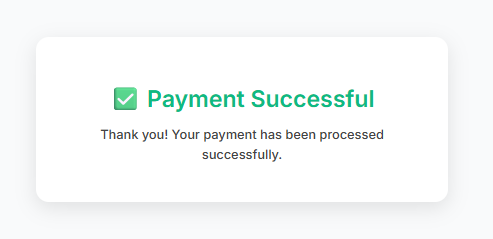
- On successful payment, they'll see a prompt Payment Successful. They can close the page.
- Once the payment is received and confirmed in Stripe, you're ready to post it in Wiise via the Stripe Cash Receipts Journal.
What's next?
Find out how to post your Stripe Cash Receipts Journal.
Need more help?
No problem, that's what we're here for. Reach out to support@wiise.com anytime you can't find what you're looking for.