
Overview:
- Manage multi-entity payruns for Timesheets
- Review and post payroll journals
Note (NZ): This page applies to Wiise New Zealand entities too. NZ supports Timesheets on multi-entity pay runs, but not Timesheets with dimensions.
Why Manage Multi-Entity Pay Runs?
Manage payroll for multiple entities in one place. This saves time while keeping each entity’s employees, approvals, payments and reports separate.
Before you begin:
-
Ensure you've finalised pay runs in Wiise Payroll.
How to Manage Multi-Entity Pay Runs for Timesheets?
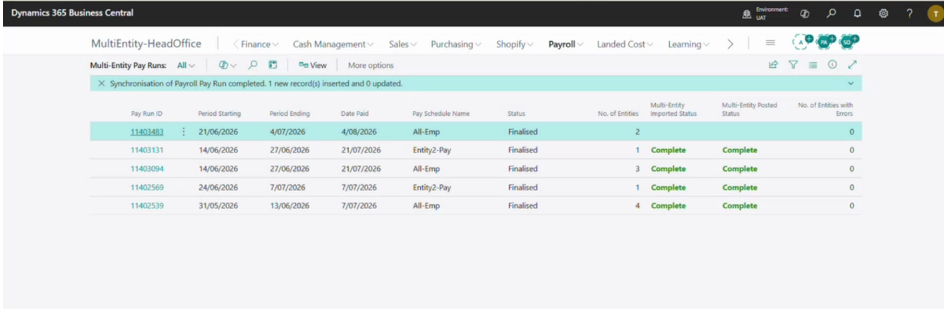
- On the Host Company, go to Payroll. Then select Multi Entity Pay Run.
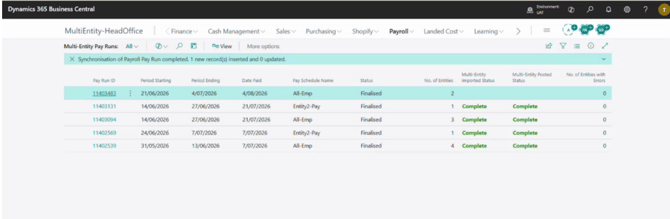
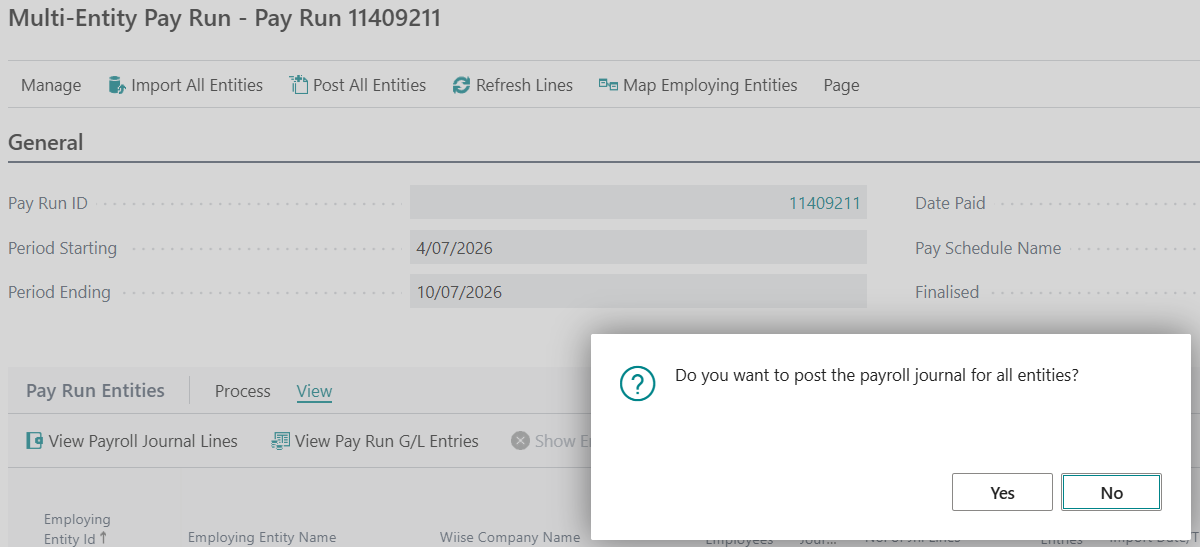
- Select a Pay Run ID to check pay run details for each entity and employee. Use Import All Entities to process payroll for the whole organisation.
Note: Only the Host Company can access this menu. Entity level users won't see it.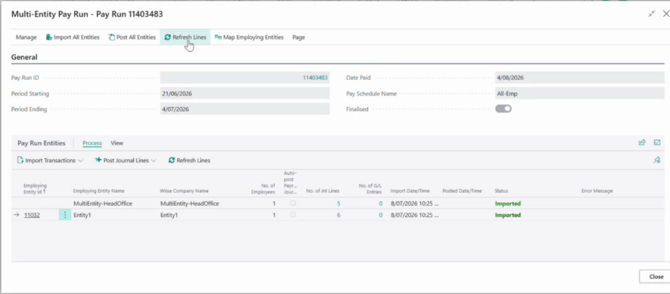
Note: When this is processed, the individual mapped entity levels payroll transactions are updated.
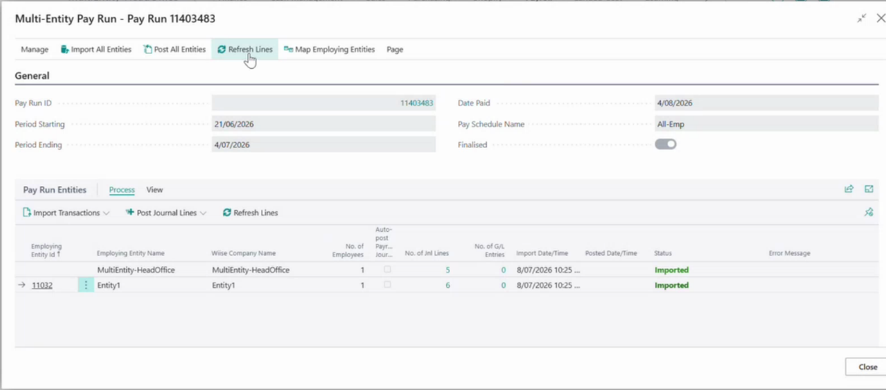
Note: When you make amendments on your finalised pay runs, and finalise them again, you'll need to select Refresh Lines in the Multi-Entity Pay Run page for that pay run.
How to review and post payroll journals?
- Select an imported pay run.
- Then, select View in the Pay Run Entities section of your Multi Entity Pay Run page.
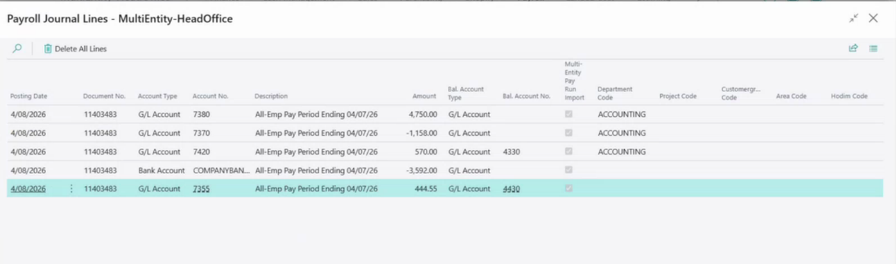
- Then, select View Payroll Journal Lines.
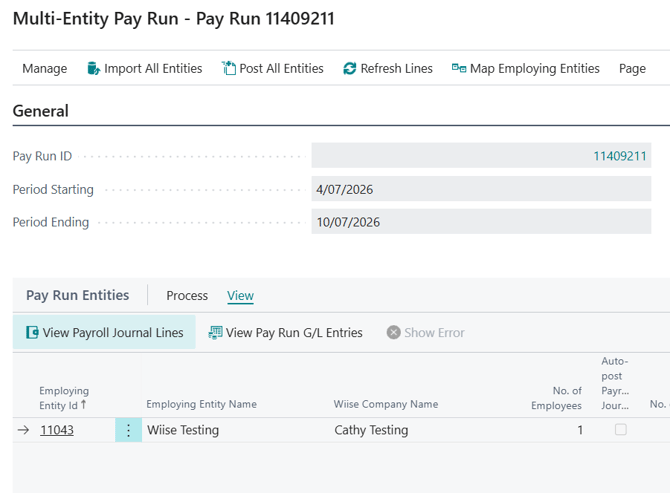
- The Payroll Journal Lines page display.
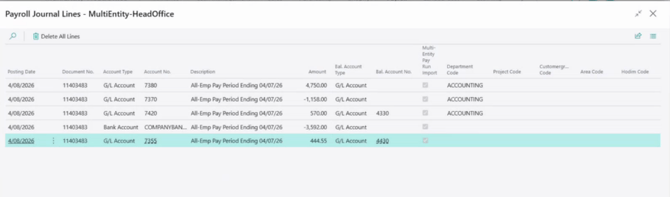
- Review payroll journals and ensure all details match configurations.
- Post the Payroll Journals from the Host Company or a mapped entity.
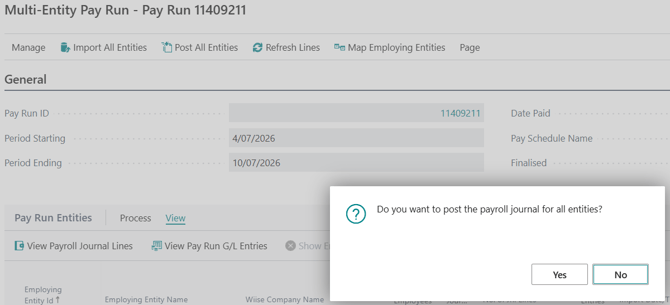
- You now know how to review and post payroll journals from the Multi-entity pay run page for Timesheets.
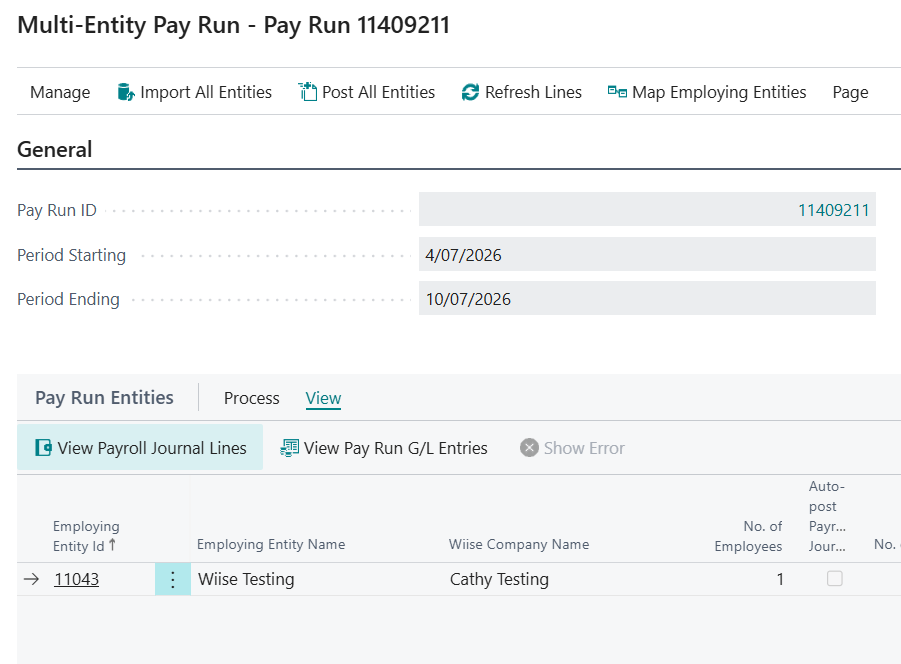
Note (NZ): Timesheets are supported for Wiise New Zealand entities on multi-entity pay runs. Timesheets with dimensions is not.
No problem, that's what we're here for. Reach out to support@wiise.com anytime you can't find what you're looking for.