
Overview:
- Learn to install ACSISS Connect so you can start using bank feeds
Why Install ACSISS Connect?
ACSISS Connect enables secure, Open Banking compliant bank feeds between Business Central and participating Australian financial institutions. It allows bank transactions to flow directly into Business Central, reducing manual data entry and supporting faster, more accurate bank reconciliation.
How to Install ACSISS Connect?
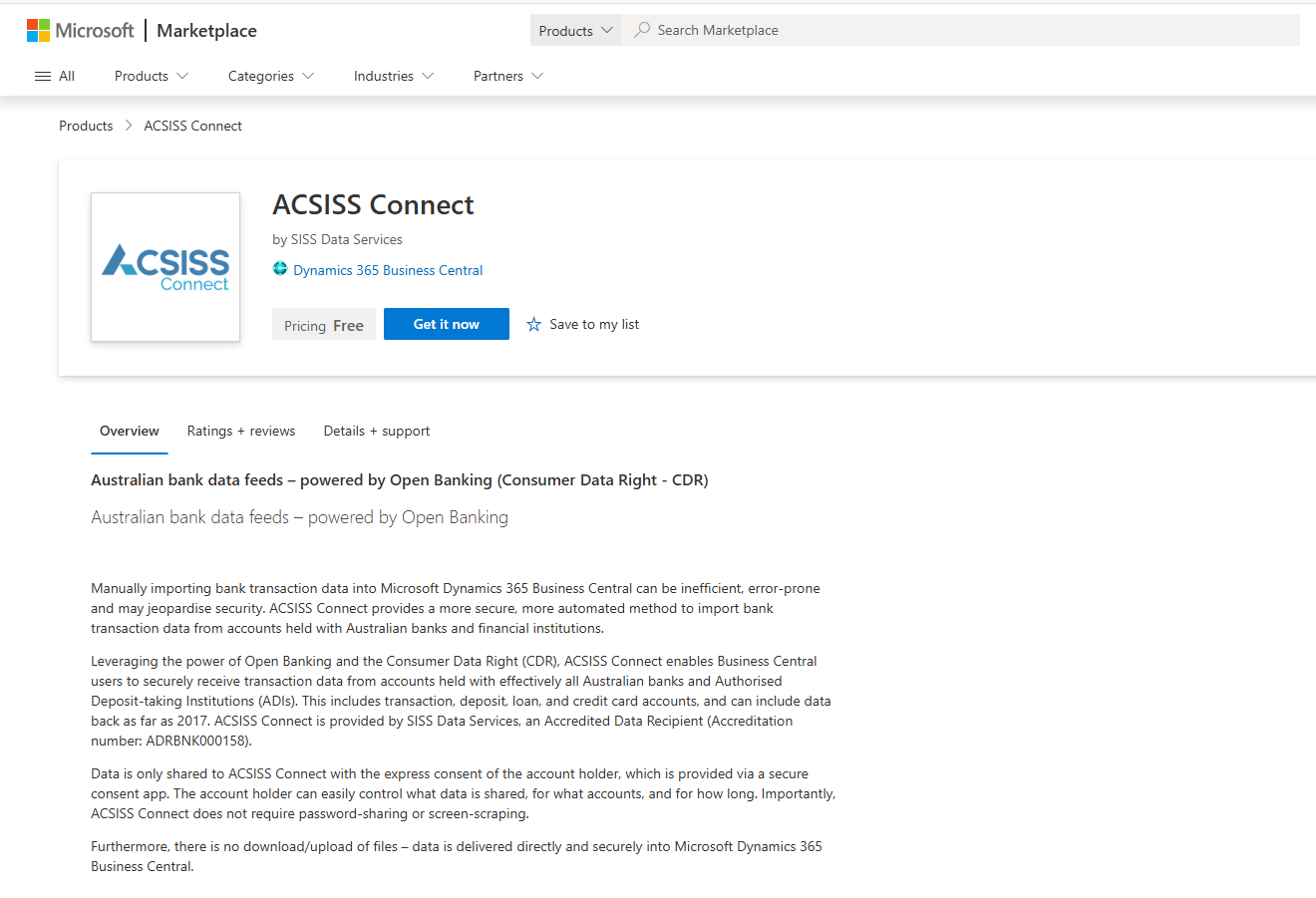
- Go to Microsoft AppSource - ACSISS Connect.
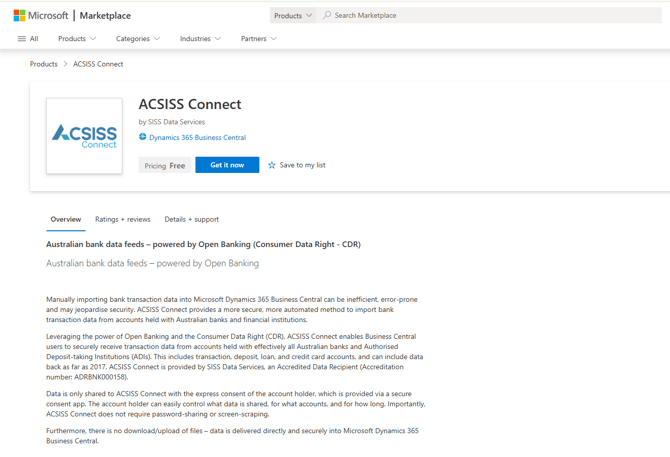
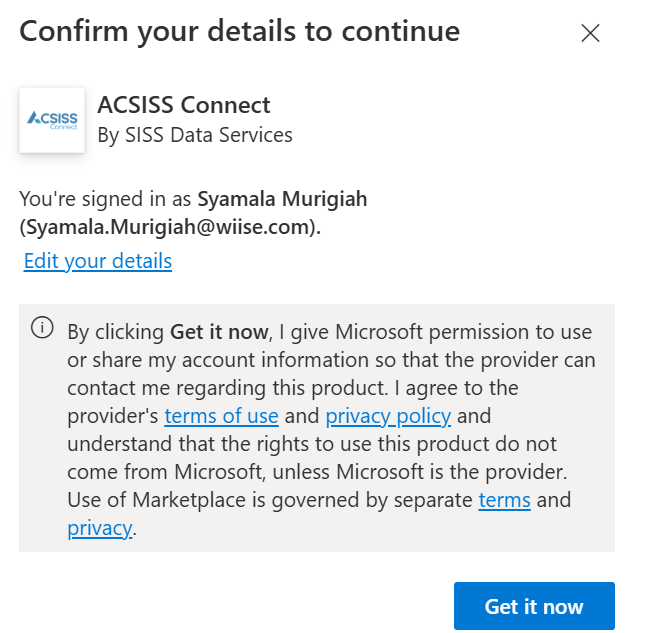
- Select Get it Now.
- Confirm your details and review the Microsoft terms.
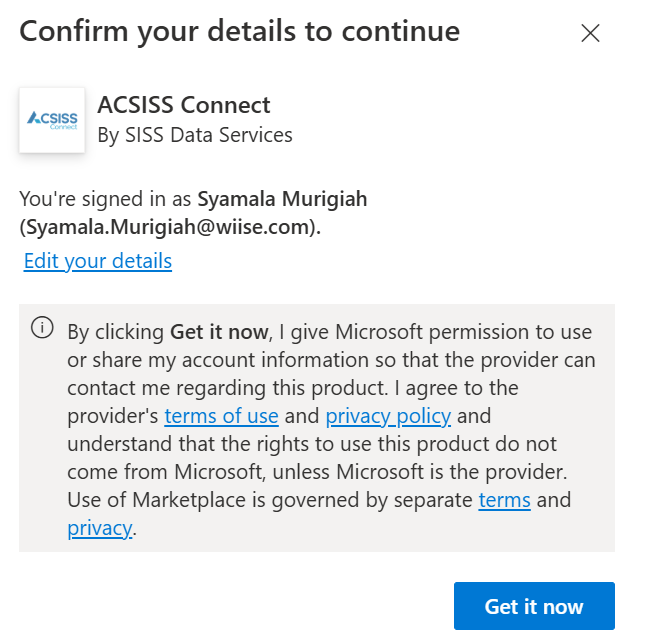
- Then, select Get it now.
- A message displays 'Taking you to ACSISS Connect to complete the process'.

- Select the environment to which you want to application installed.
- After selecting the instance to install ACSISS Connect to, the extension installation will commence.
- A message box displays notifying you that the extension is being installed.
- Select OK to continue.
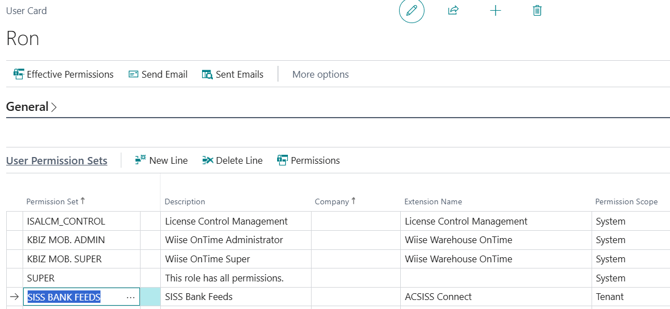
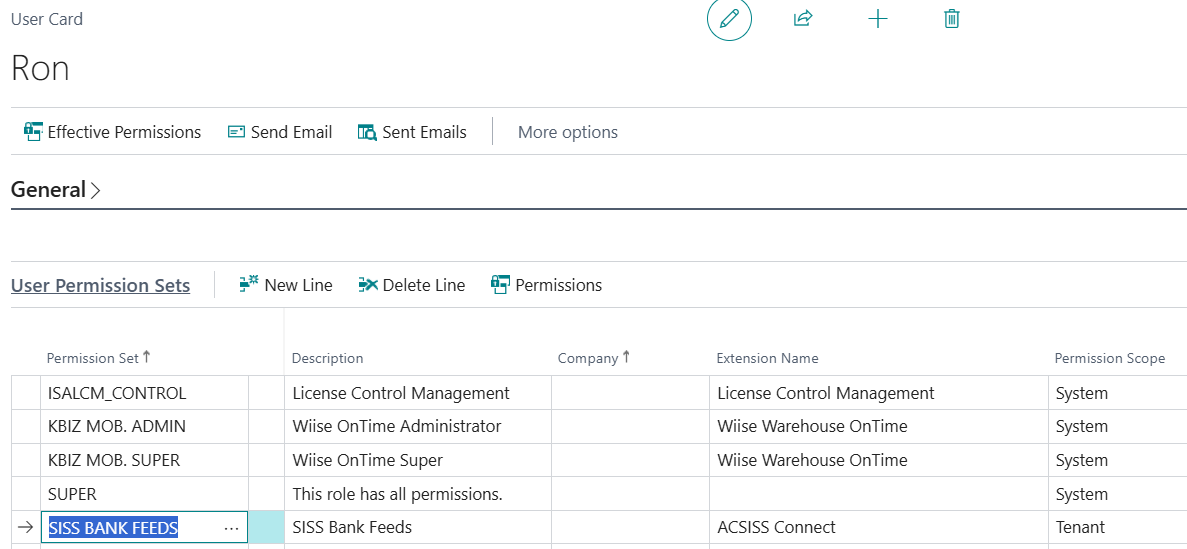
- Once the installation is complete, search for Users on the top right-hand corner of Wiise.
- Then, navigate to the relevant user card, and update their User Permission Sets to include SISS BANK FEEDS.

Note: You are now ready to register for your ACSISS Connect service
Note: Set the Permission Set/s accordingly.
-
SIS_BANK_FEEDS: User has full access to all ACSISS Connect components
-
SIS_BANK_READ: User can read transactions, import transactions to the PRJ and BAR, but cannot add bank feeds.
-
SIS_BANK_SETUP: User can access the ACSISS Bank Feeds setup screen only.
What's next?
Find out how to set up ACSISS Bank Feeds in Wiise Australia
If you have any questions, please reach out to support@wiise.com